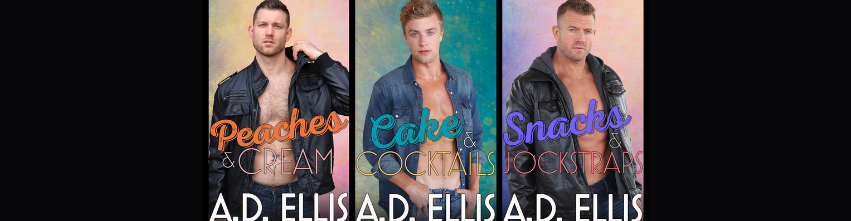

Get a freebie book for signing up HERE–> https://www.subscribepage.com/ADEllisNewsMMRomance
How to Make Sure You Never Miss My Newsletter
To ensure A.D. Ellis’s newsletters don’t get lost in your spam or promo folders, please take a quick moment to “safelist” my email address: [email protected]
Here is how to do it on the most popular email platforms:
Gmail
On Desktop:
- Hover over my sender name at the top of any email/newsletter from me.
- Click Add to Contacts in the pop-up card.
- If this email is in your Promotions tab: Drag it over to the Primary tab. Click Yes when Gmail asks if you want to do this for future emails.
On Mobile:
- Open the email.
- Tap the three dots (top right corner).
- Select Move to -> Primary.
Apple Mail (iOS & Mac)
- Tap or click on my sender email address at the top of the message.
- Select Add to Contacts or Create New Contact.
Outlook / Hotmail
- Open the email.
- Click the three dots in the top right corner of the message pane.
- Select Add to Safe Senders or click Mark as junk -> Not junk if it ended up in your spam folder.
Yahoo Mail
- Open the email.
- Click the three dots at the top of the email toolbar.
- Click Add to Contacts.
Pro Tip for Readers: If you ever notice an edition is missing, check your Spam, Junk, or Promotions folders first. Opening the email and clicking “Not Spam” or “Report as Not Junk” instantly trains your email provider to trust newsletters from A.D. Ellis.